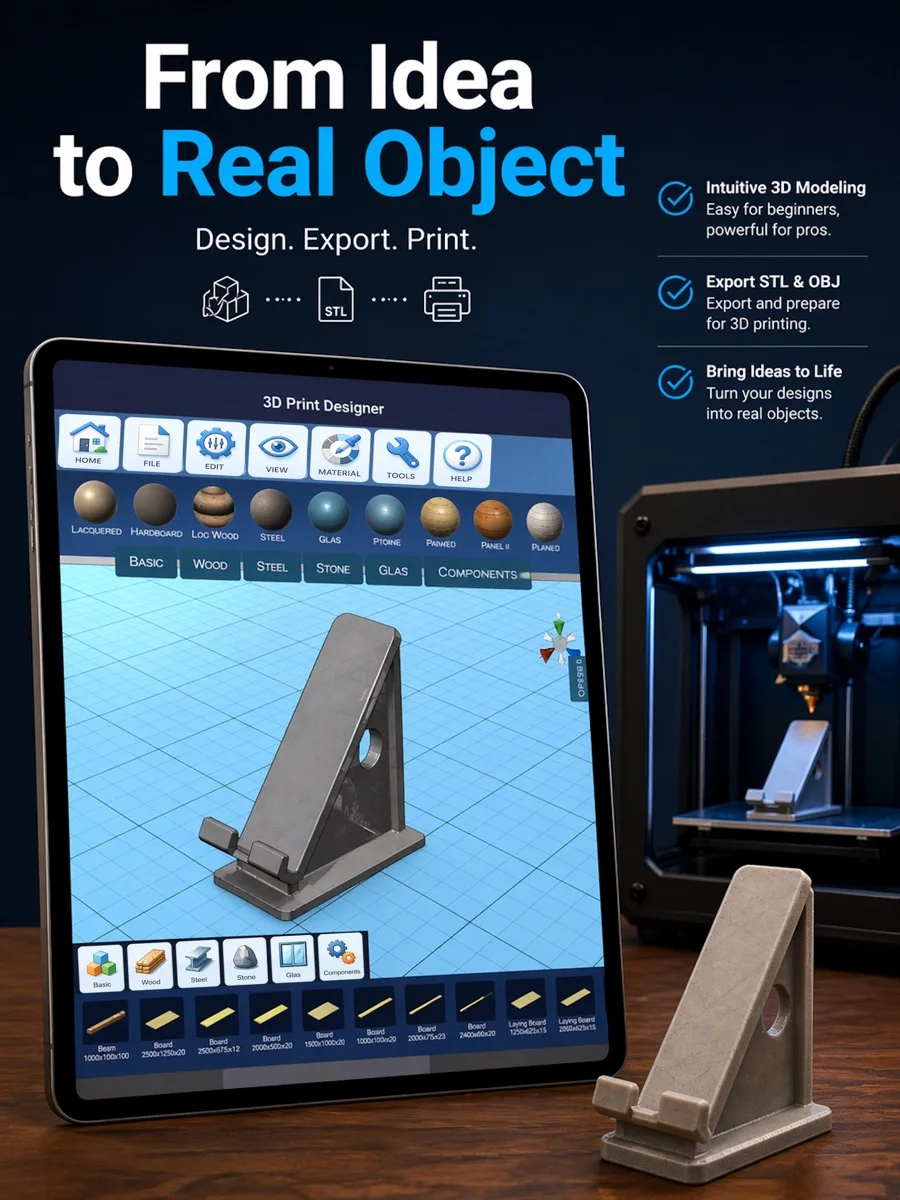



What you can do with the app: 3D Print Designer
Adjust components and export STL or OBJ for prototypes, custom parts and creative projects.
Features
Build models from basic shapes
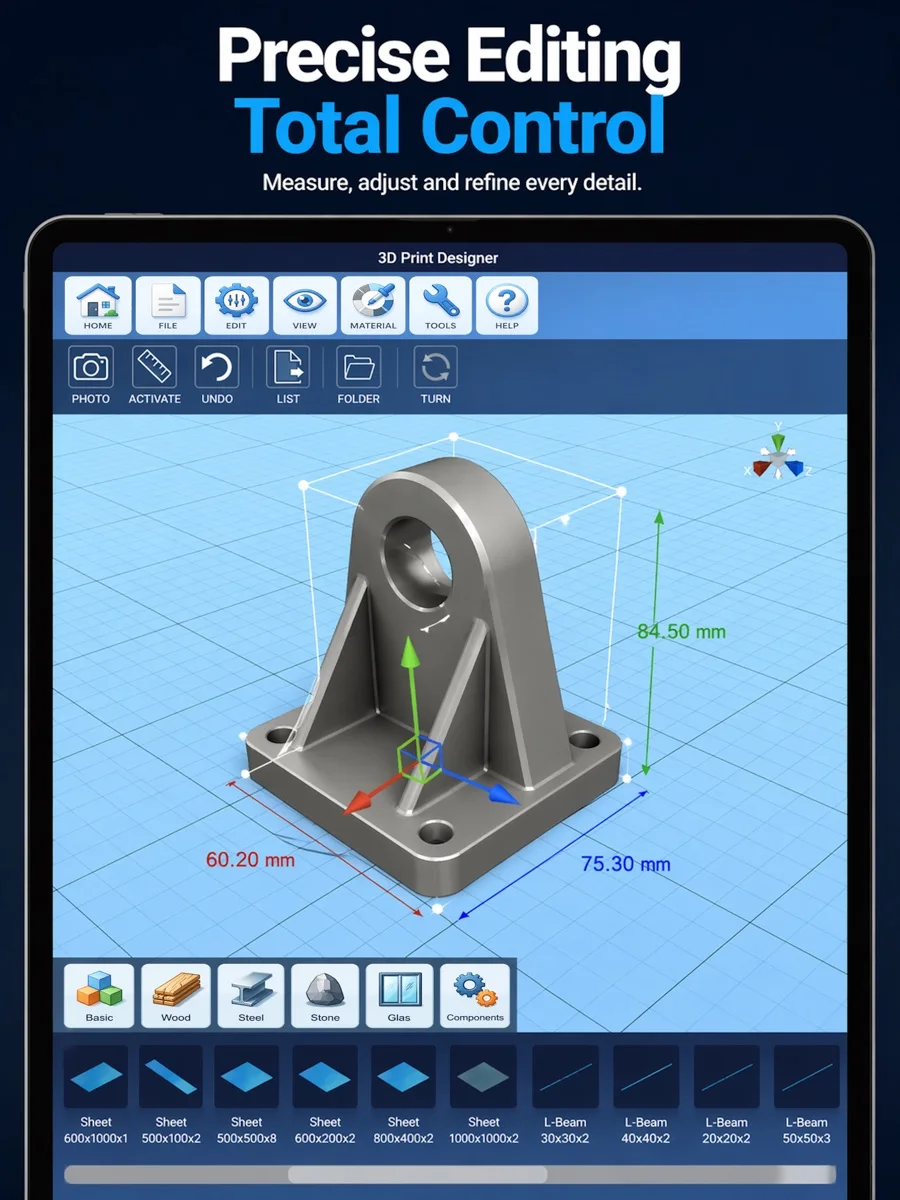
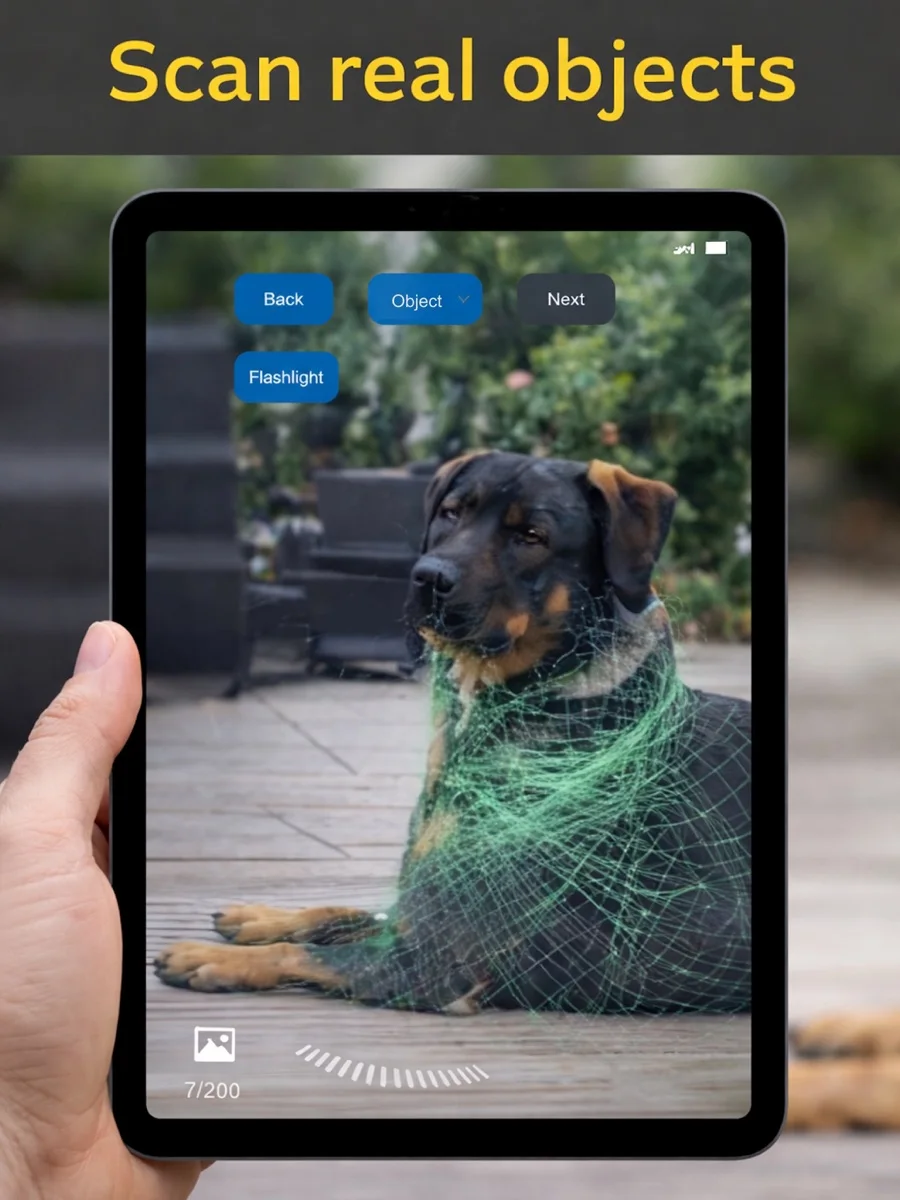
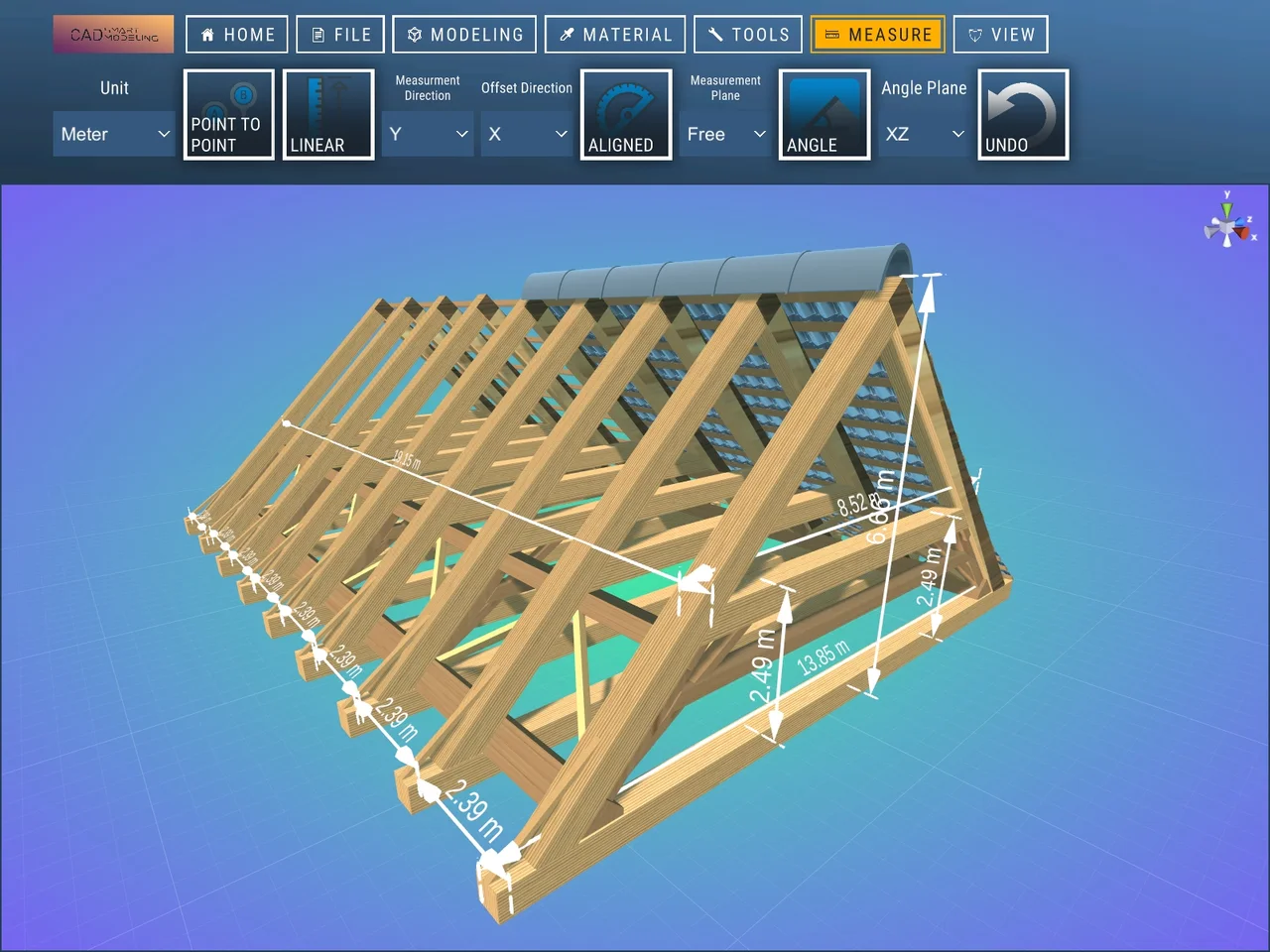
Start with cubes, spheres or cylinders, or import an existing model. Combine and adjust objects using real-world dimensions. Apply materials to see how the design looks before printing.
Build with ready-made components
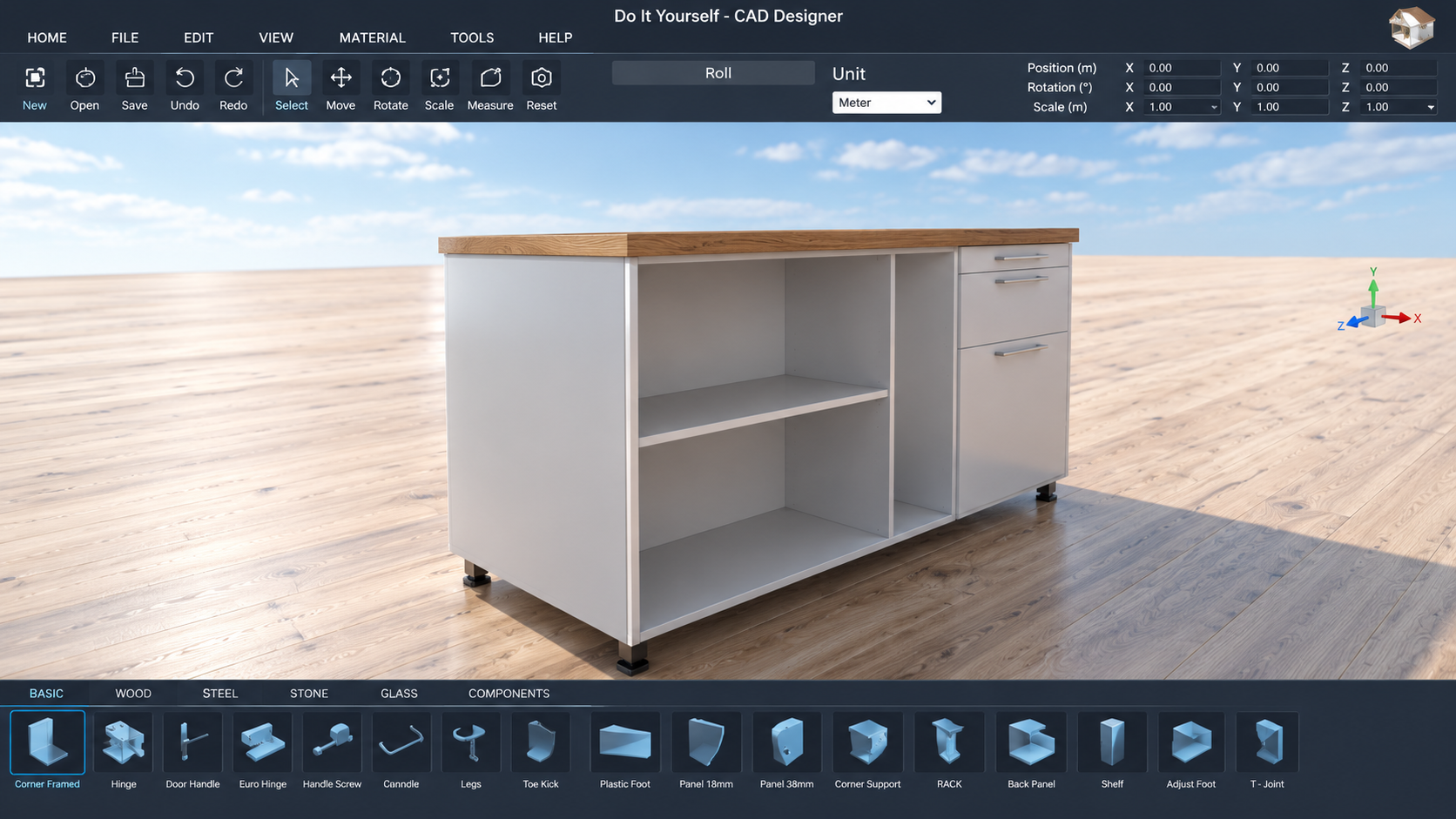
Choose parts from the component libraries and combine them into your design. You do not have to draw every piece from scratch. Apply materials and colours to show how the parts should look.
Work with STL and OBJ files
Import and export STL or OBJ models for use in compatible 3D software or with a printing provider. Check the geometry and dimensions before handing the file over. Built-in slicing and G-code generation have not been confirmed.
Order a print through an external service
The app can take you to external 3D-printing services. Each provider sets its own prices and terms. A physical print is not included with the app download, and the app may contain affiliate links.
Getting started
Start with the object's intended dimensions and basic shapes. Adjust the parts and check the model before adding details. Export a suitable file and inspect it in the next application. Set the material and print settings in your preparation software, or agree them with your printing provider.
Frequently asked questions
Can I start without an existing 3D file?
Yes. Build from basic shapes or import a file you already have.
Can I import and export STL and OBJ?
Yes. Both are confirmed. Built-in slicing and G-code generation are not promised here.
Who supplies the physical print?
External providers make and charge for the print. Review their offer before ordering.
Which version do I need?
Choose the store for your device and check its current system requirements. Features and additional purchases may vary between versions.