




What you can do with the app: DIY CAD Designer
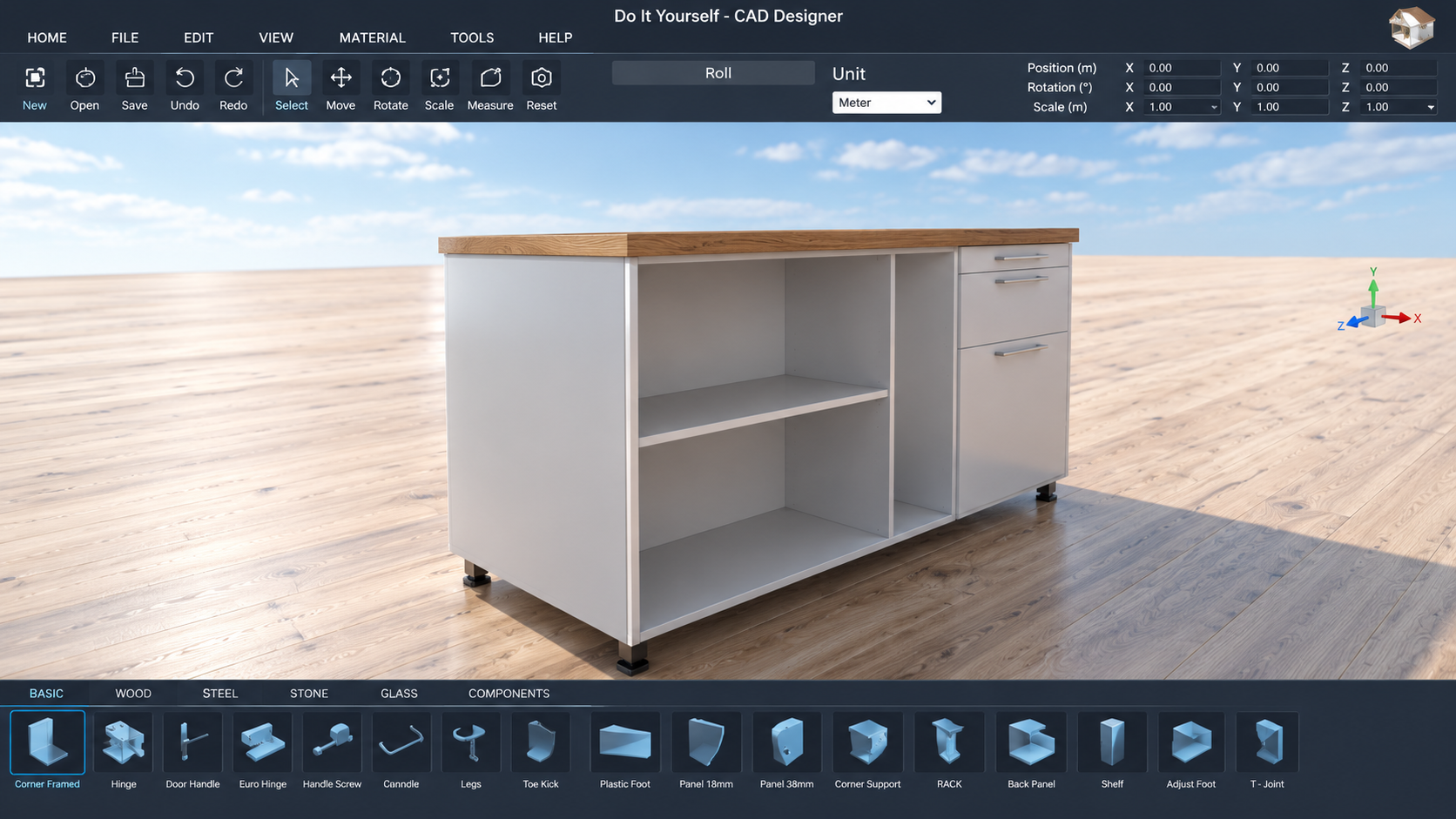
DIY CAD Designer lets you combine library components, adjust them and add compatible 3D models from other applications.
Features
Build with ready-made components
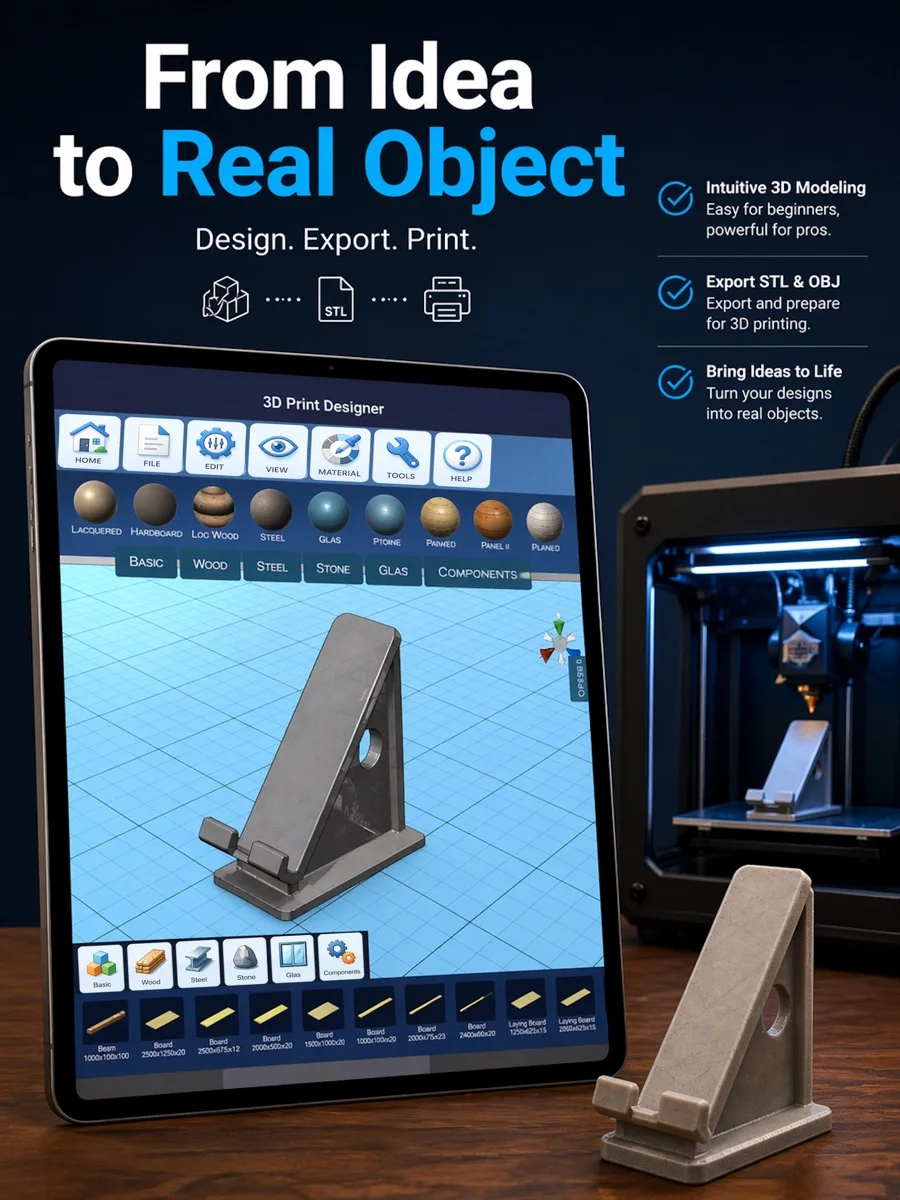
Choose parts from the component libraries and combine them into your design. You do not have to draw every piece from scratch. Apply materials and colours to show how the parts should look.
Move, rotate and resize parts
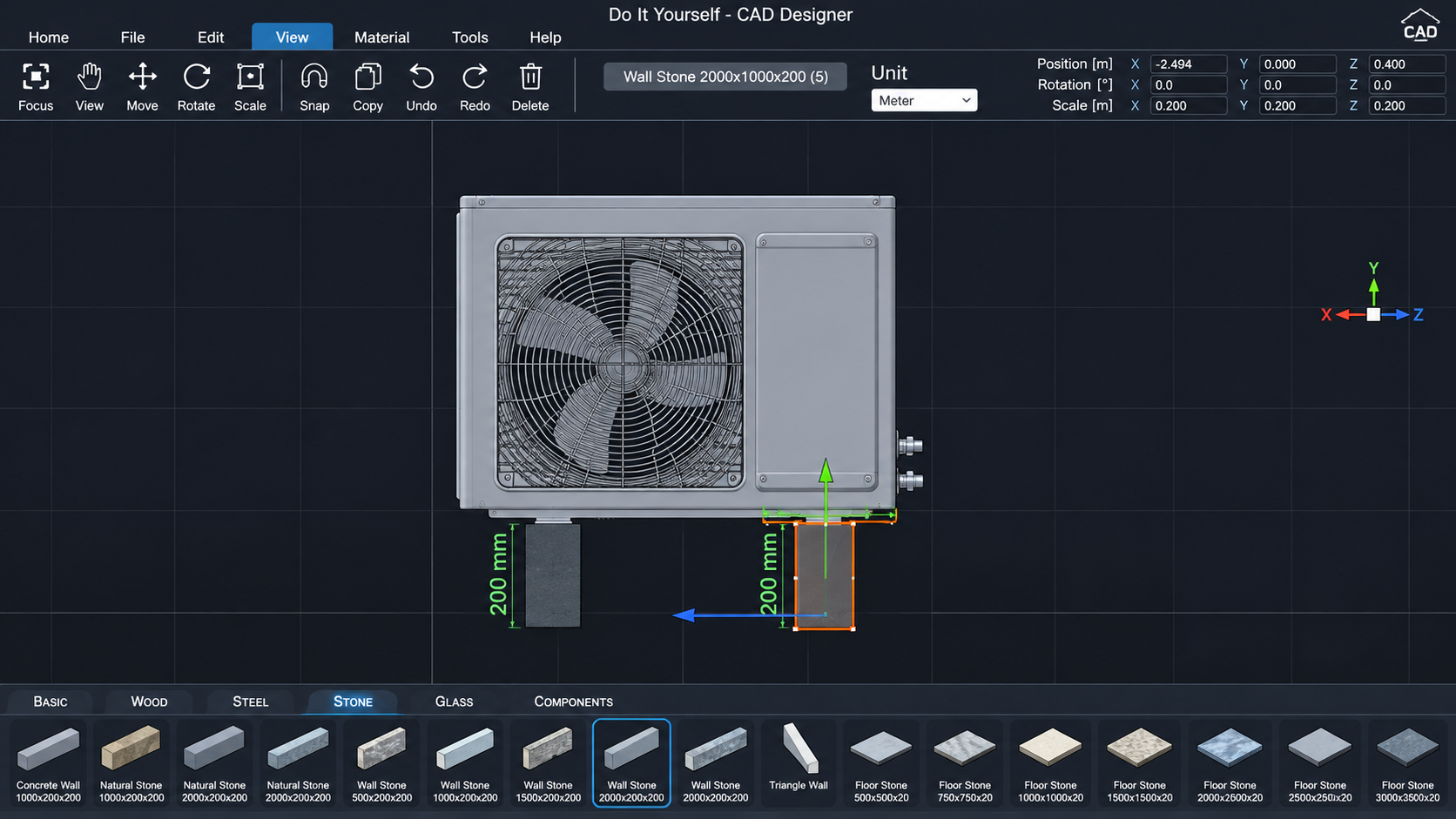
Position your parts, adjust their size and orientation, and copy elements you need more than once. Build up the design step by step and check how the pieces fit together.
Import existing 3D models
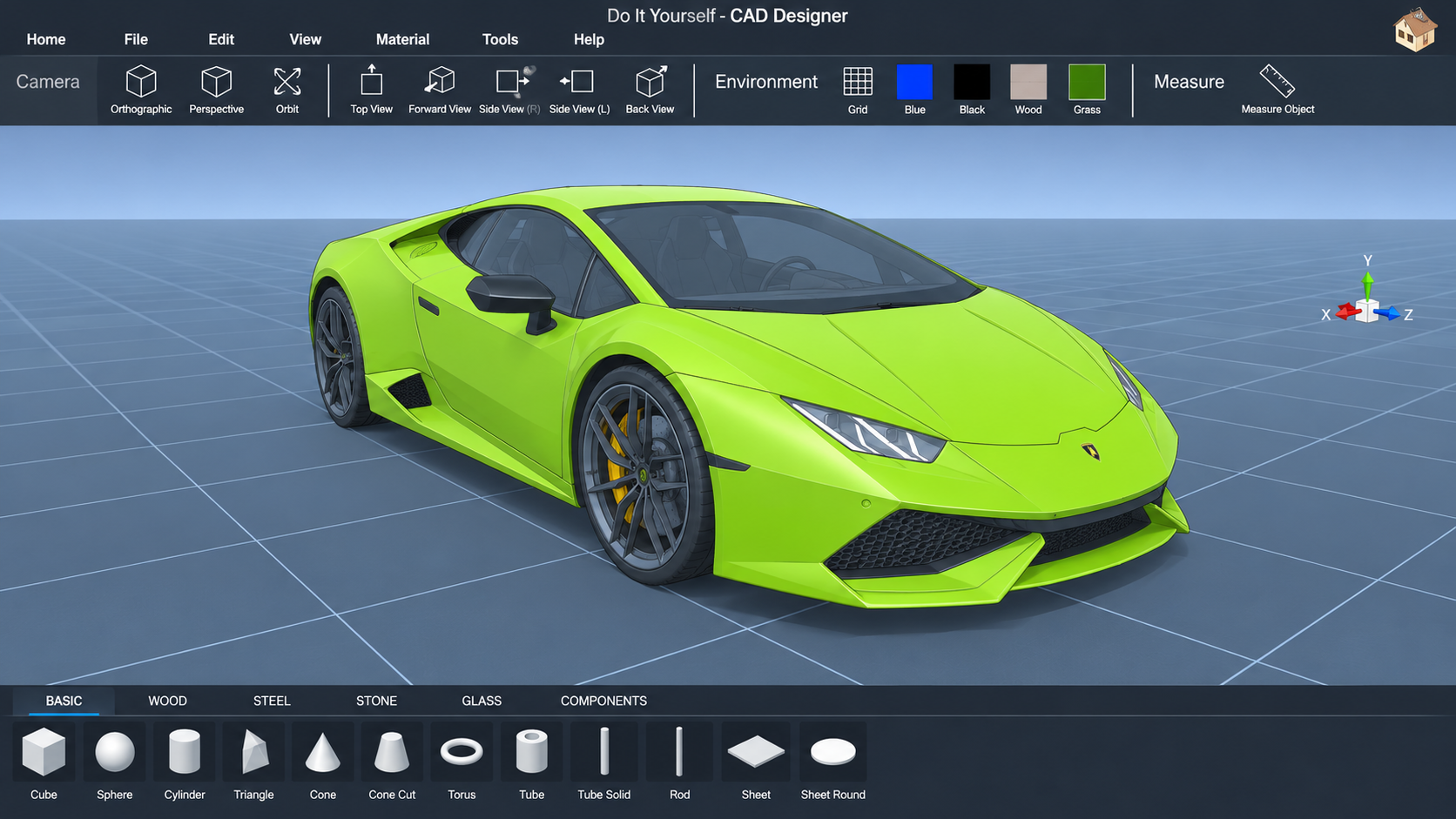
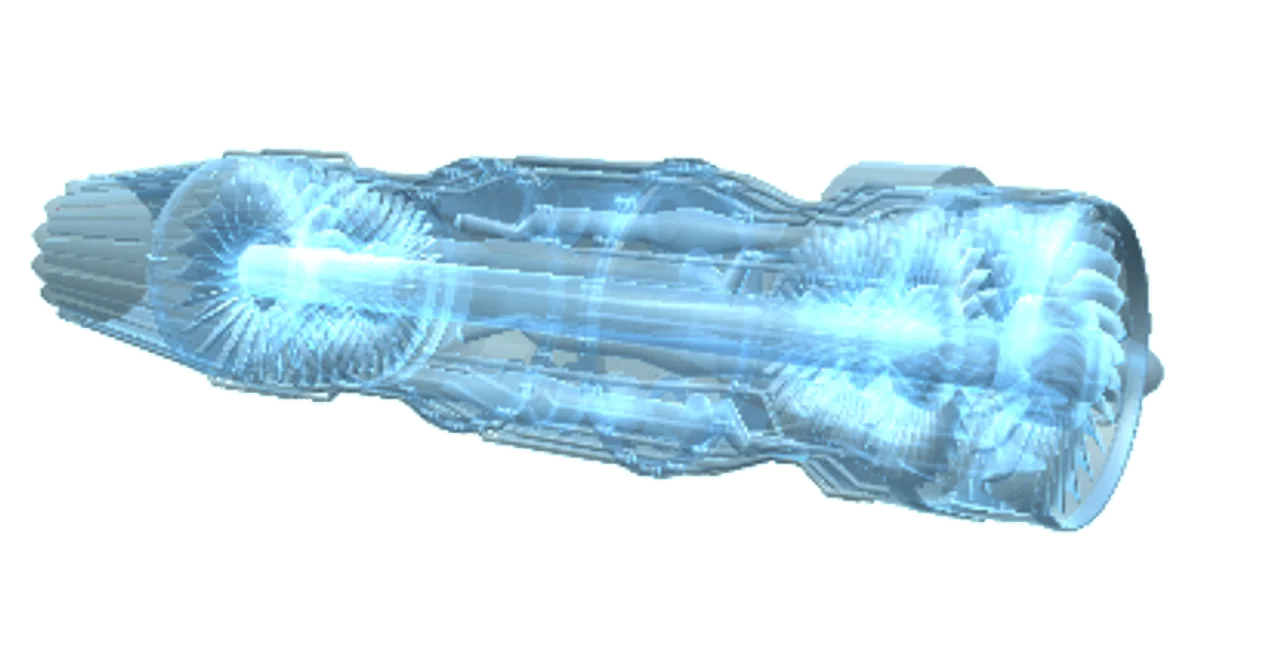
Import FBX, OBJ, GLTF2, STL, PLY, 3MF files and use the models in your project. Check their scale and position after importing. These are supported import formats, not a list of export options.
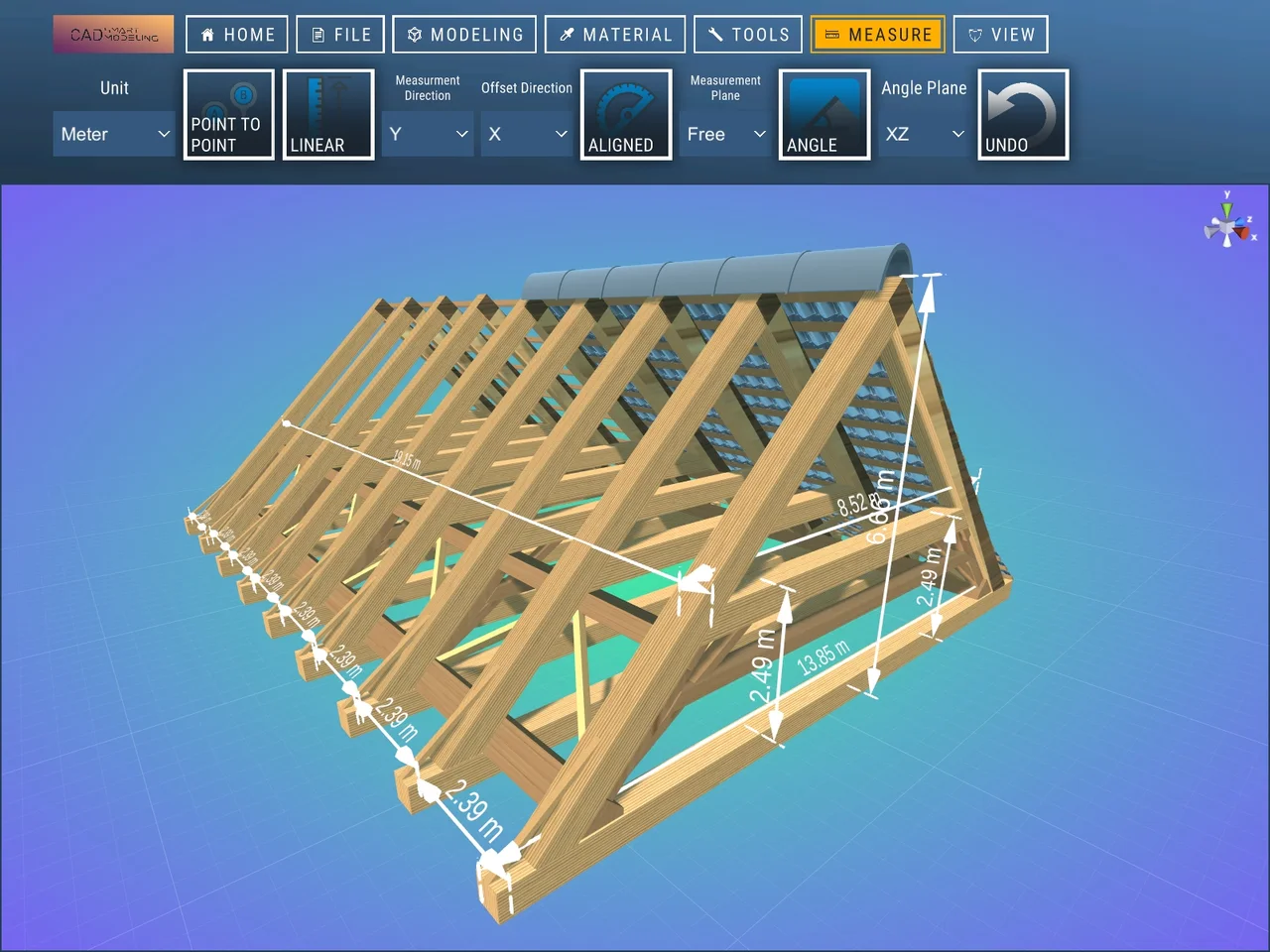
Add dimensions to your drawings
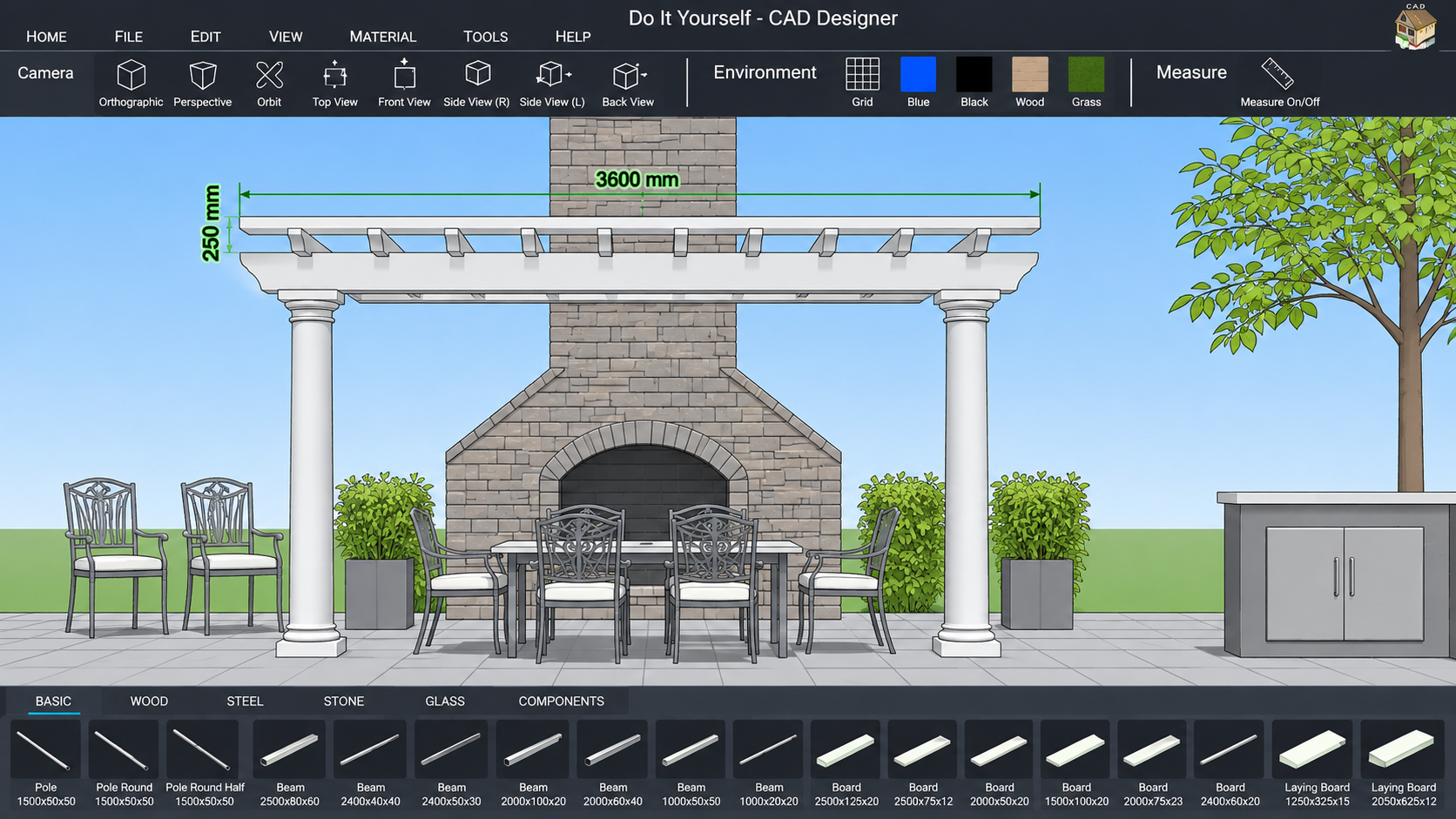
Look at your construction from different directions and add dimensions. Technical views help you check proportions and explain the size and arrangement of the parts to someone else.
Create images of your design
Use the photo tool to create high-resolution project images. Choose a useful viewpoint and show your plans to family, colleagues or clients, even if they do not use the app.
Getting started
Decide what you want to build and which dimensions matter. Put the main parts together before adding details. Check the scale and position of imported models, and inspect the construction from several directions. Before ordering materials or making the object, review dimensions, material choices and practical construction requirements.
Frequently asked questions
Do I need to draw every part myself?
No. You can use library components and combine them into your own construction.
Which 3D files can I import?
The importer supports FBX, OBJ, GLTF2, STL, PLY, 3MF. Check the model and its scale after importing.
Can I dimension my design?
Yes. Dimensioning tools and technical views help you check and explain the construction.
Which version do I need?
Choose the store for your device and check its current system requirements. Features and additional purchases may vary between versions.