
What you can do with the app: 3D Scanner
Use the scan as a digital reference or continue towards 3D printing. On iOS, exports are part of Pro.
Features
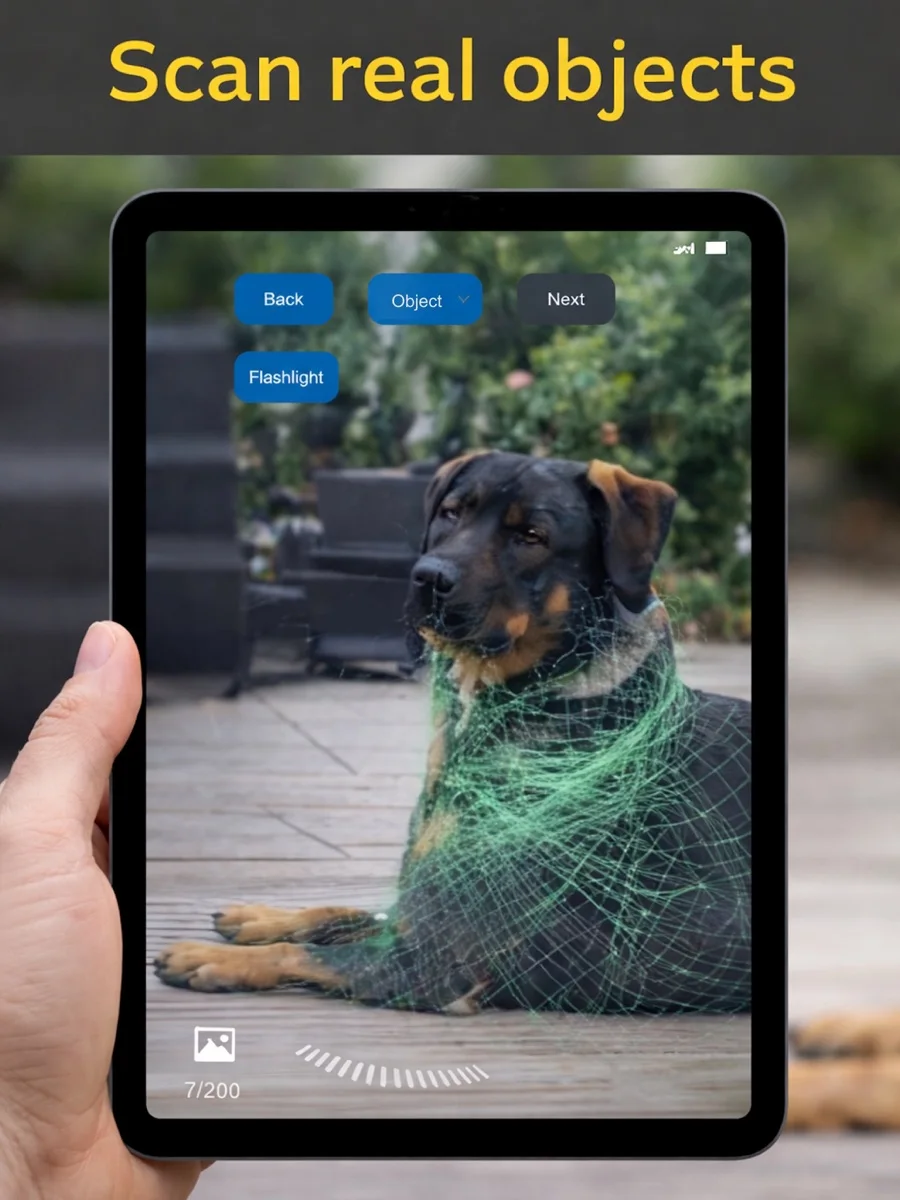
Capture real objects in 3D
Scan an object with a compatible LiDAR-equipped iPhone or iPad. Use the digital model as a starting point for further work or 3D printing. Check the result: captured detail depends on the object and the scan.
Export scans with Pro
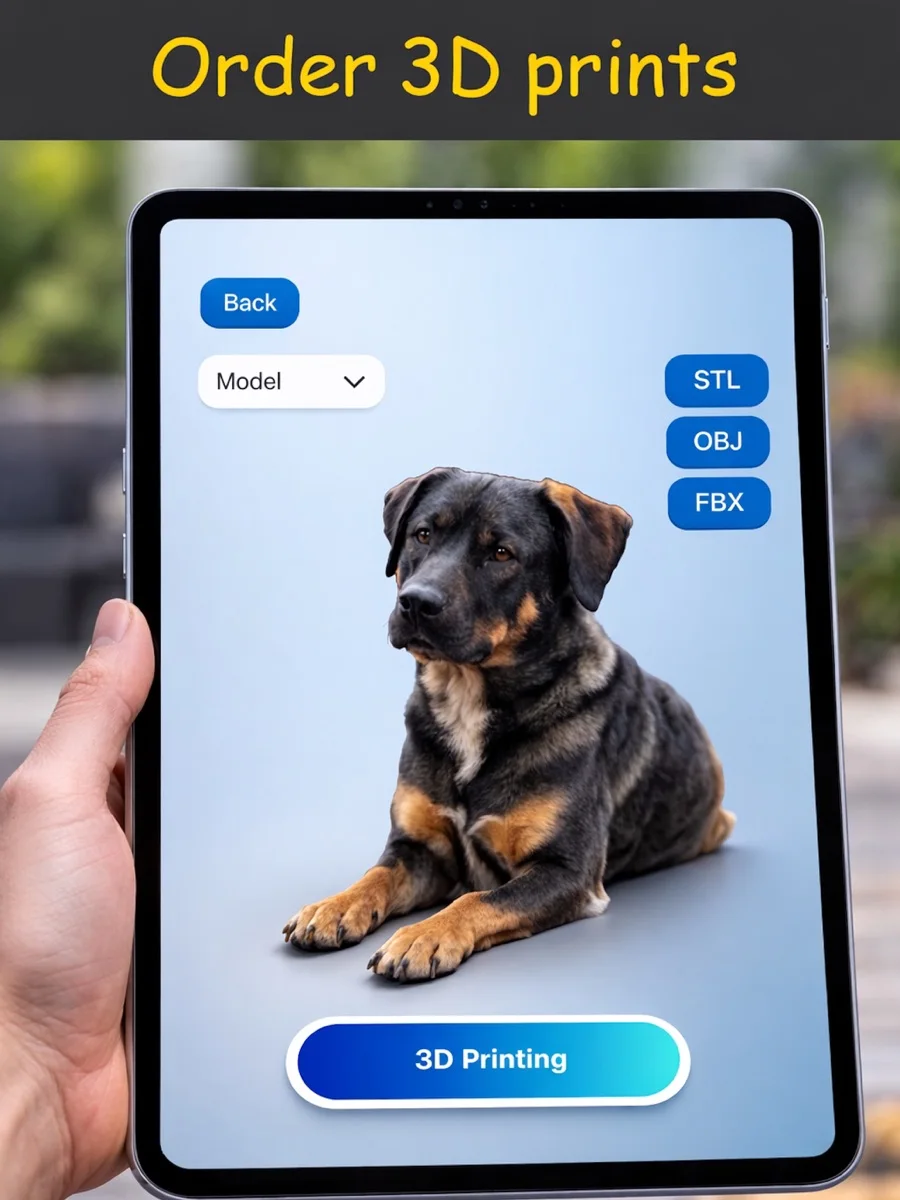
On iOS, Pro includes STL, OBJ and FBX export. Choose a format supported by your next application. Check the current in-app offer if you need a particular export feature.
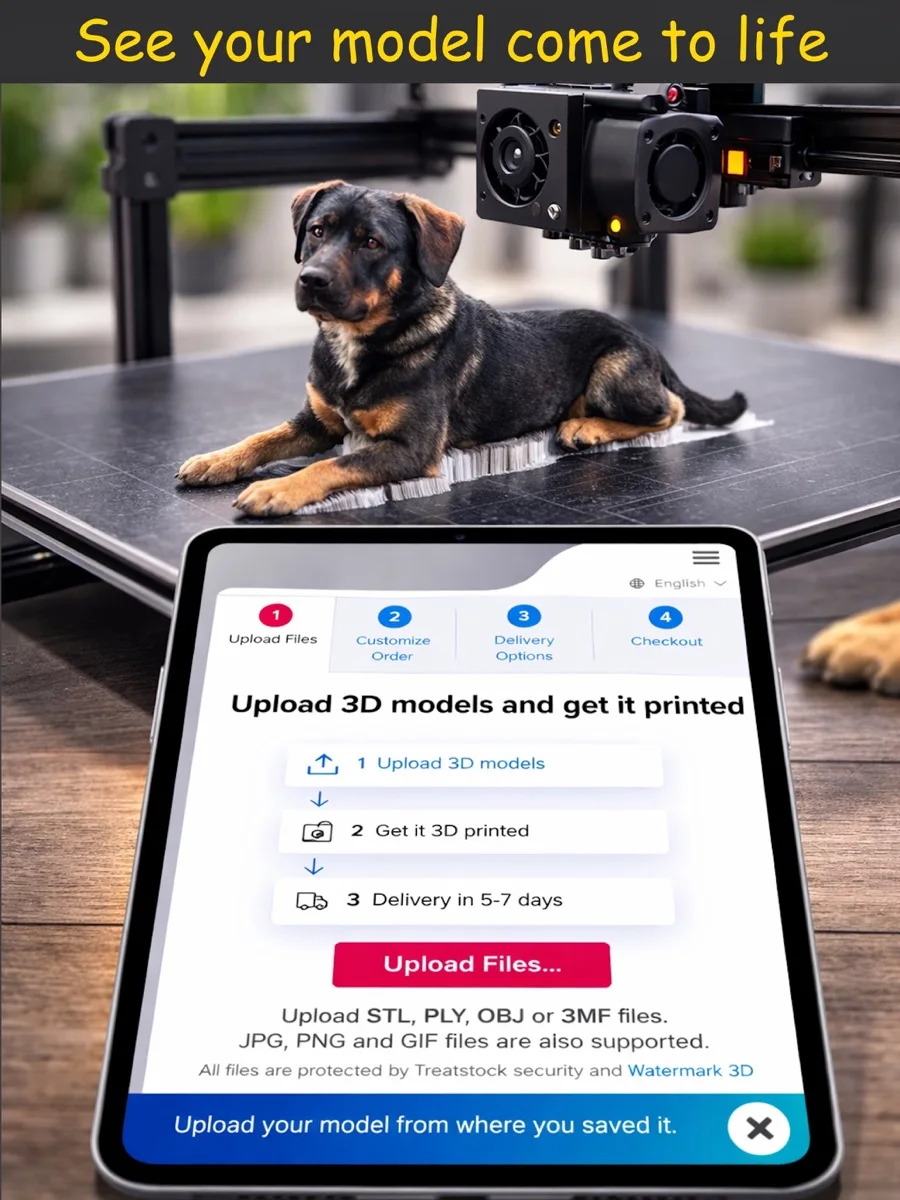
Order a print through an external service
The app can take you to external 3D-printing services. Each provider sets its own prices and terms. A physical print is not included with the app download, and the app may contain affiliate links.
Getting started
Choose an object and capture it with your LiDAR device. Check that the scan shows the surfaces and details you need. For export, review the Pro offer and choose a suitable format. Before ordering a print, compare the external provider's requirements and prices.
Frequently asked questions
What do I need to scan an object?
A compatible iPhone or iPad with LiDAR. Check the store for the exact device requirements.
Are STL, OBJ and FBX exports free?
The confirmed iOS description places them in Pro. Check the current terms in the app.
Who supplies the physical print?
External providers make and charge for the print. Review their offer before ordering.
Which version do I need?
Choose the store for your device and check its current system requirements. Features and additional purchases may vary between versions.