
What you can do with the app: Floor Plan Scanner
Review the room model, change materials and export OBJ for renovation planning or further work in compatible software.
Features
Scan rooms with LiDAR
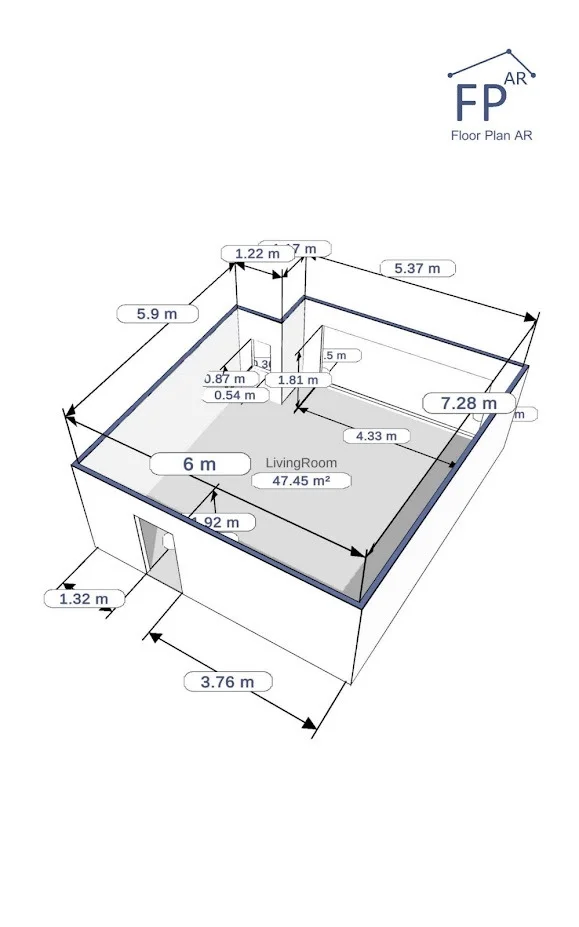
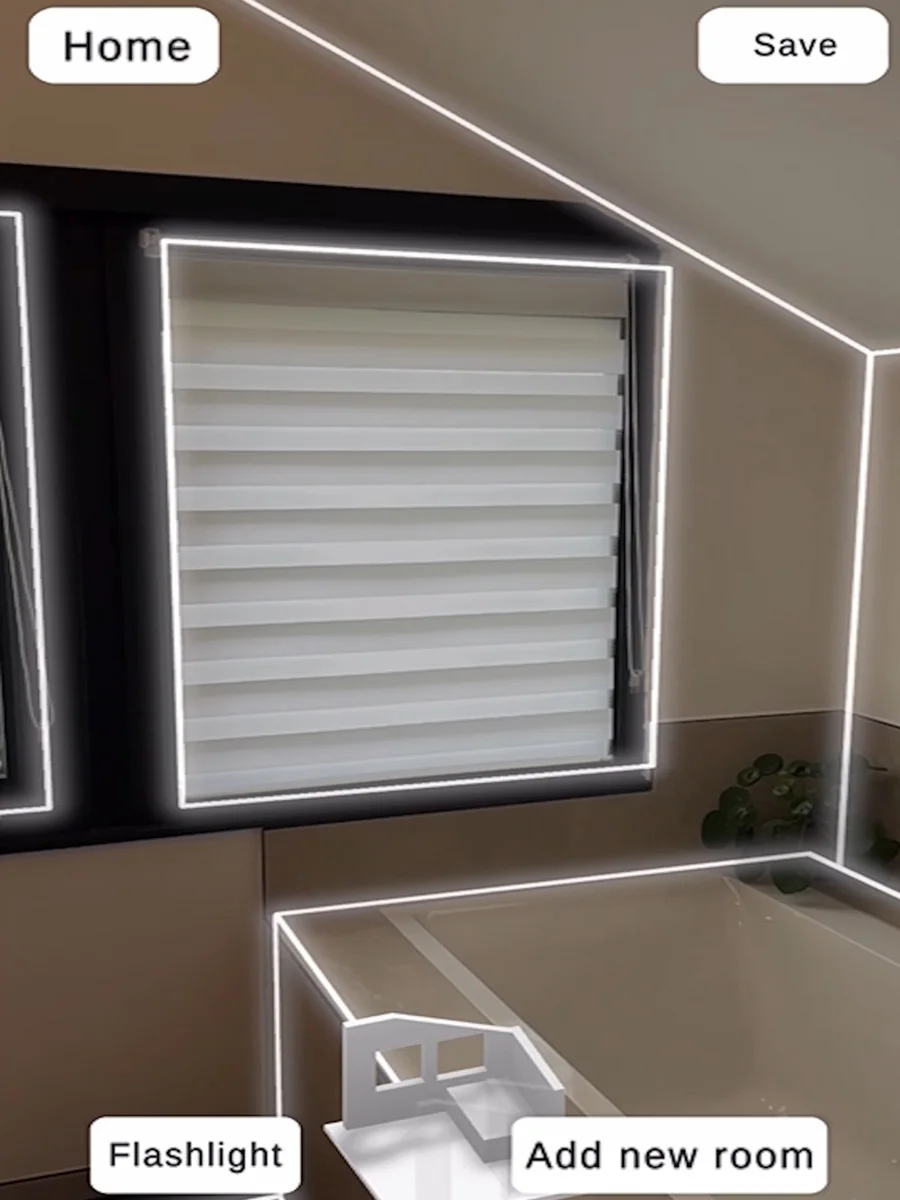
Scan a room with a compatible LiDAR-equipped iPhone or iPad. The app detects walls, doors and windows and creates a digital room model. Check that your device has the required LiDAR sensor first.
Change materials in your room scan
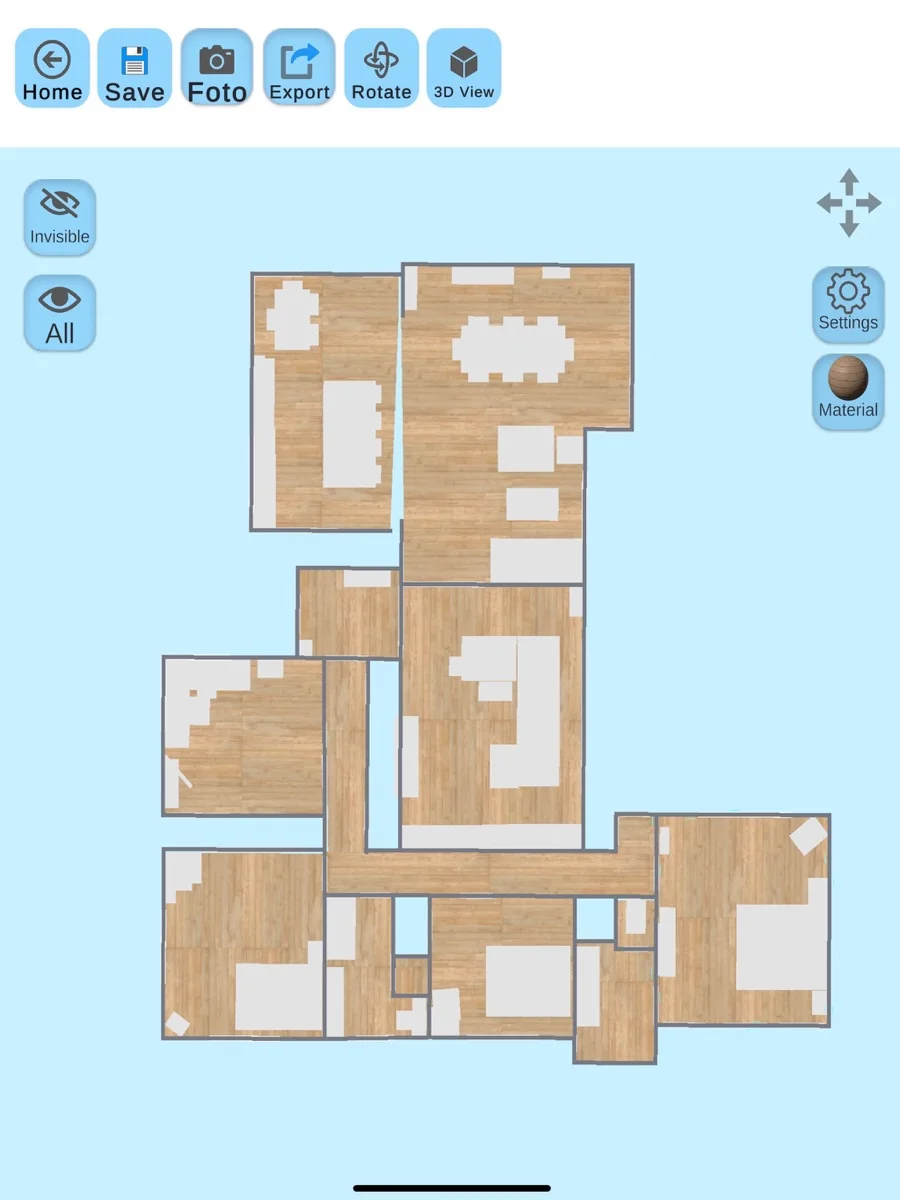
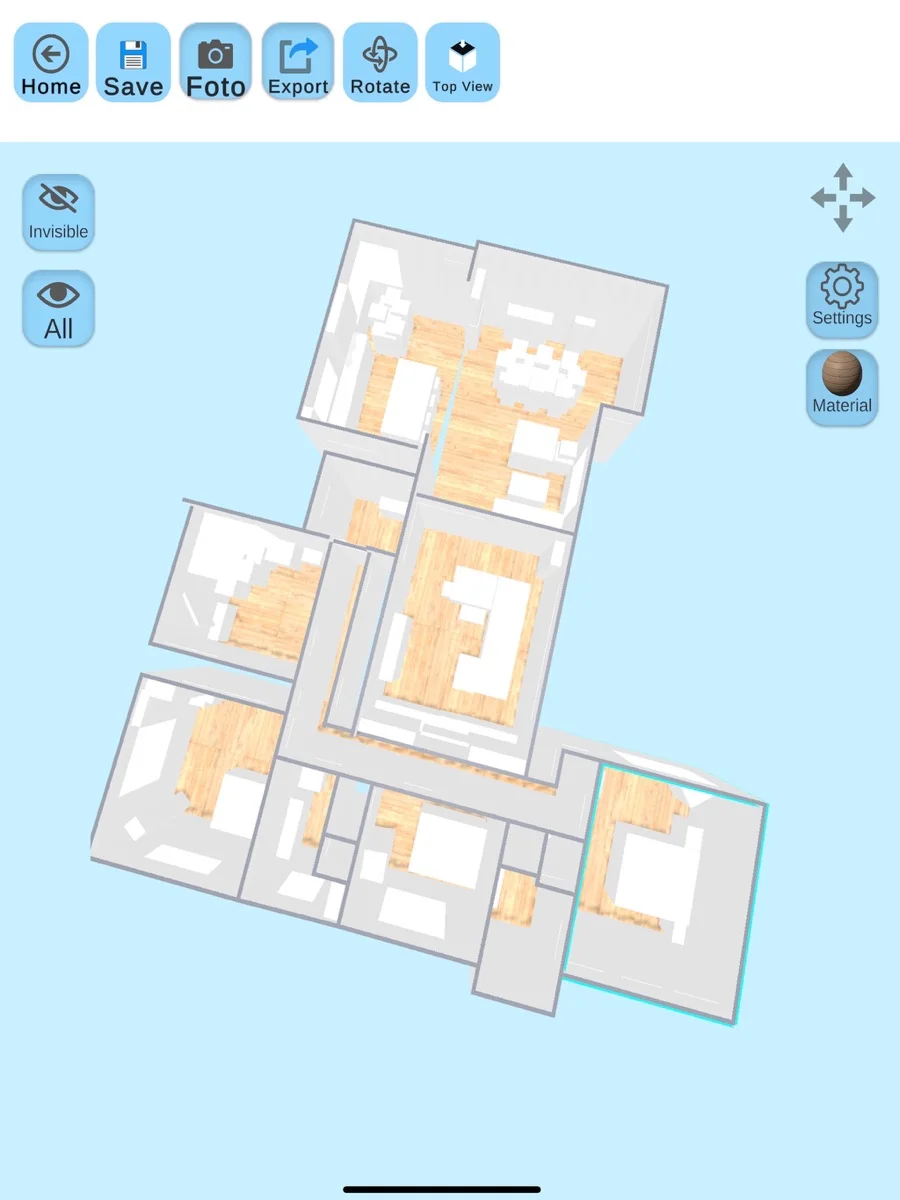
Review the captured model and try different materials and textures. Existing furniture can also appear in the scan. Take screenshots to show the room as it is and discuss possible changes.
Export room scans as OBJ
Export your room model as OBJ and open it in compatible CAD or 3D software. Check the scale and geometry there. An OBJ reference model should not be assumed to become native CAD building components automatically.
Getting started
Check your device's LiDAR support and the current scanning offer first. Scan the room and review walls, openings and furniture. Then change materials or export OBJ. Open the file in your intended software and check its scale and geometry.
Frequently asked questions
Can I scan with any phone?
No. The documented room-scanning process requires a compatible Apple device with LiDAR.
Can I change the scan's appearance?
Yes. You can change materials and textures and take screenshots of the model.
Can I use the scan in CAD software?
Yes, if the software supports OBJ. Check the scale and geometry after importing.
Which version do I need?
Choose the store for your device and check its current system requirements. Features and additional purchases may vary between versions.